

Welcome to Velocity
In-Room Solutions
Your residence, your connected world – Power through classes, connect with friends and unwind with reliable Wi-Fi
Tooker House
500 E. University Dr.
Tempe, AZ 85281

Contact Technical Support
Phone: (877) 408-0526
Sign up for your Personal Network & get online quickly.
A personal network is your central hub for your digital life. It connects all your devices in your room, like computers, phones, and smart TVs (and much more!), allowing them to share resources and access the internet securely.
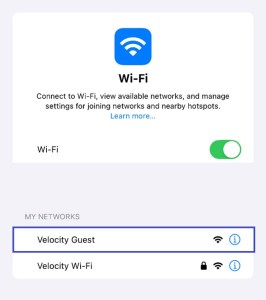
1. Navigate to your available wireless networks and join the guest network, Velocity Guest; no password is required.
2. Navigate to https://vmsc.us/280
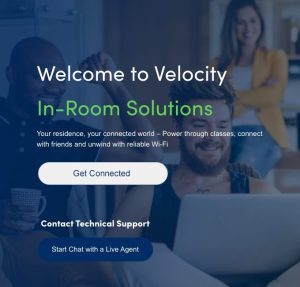
3. Click the Get Connected button.
4. Enter your Name, Email Address, Phone Number, and select your Building/Unit.

5. You will receive your personal passphrase (password) via email and text message.
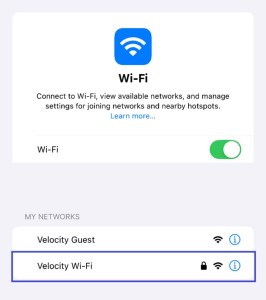
6. Navigate to your wireless networks and join your Velocity Wi-Fi, using the provided passphrase (password).
Contact Technical Support |
Phone: (877) 408-0526
|